
All your words.
Within reach.
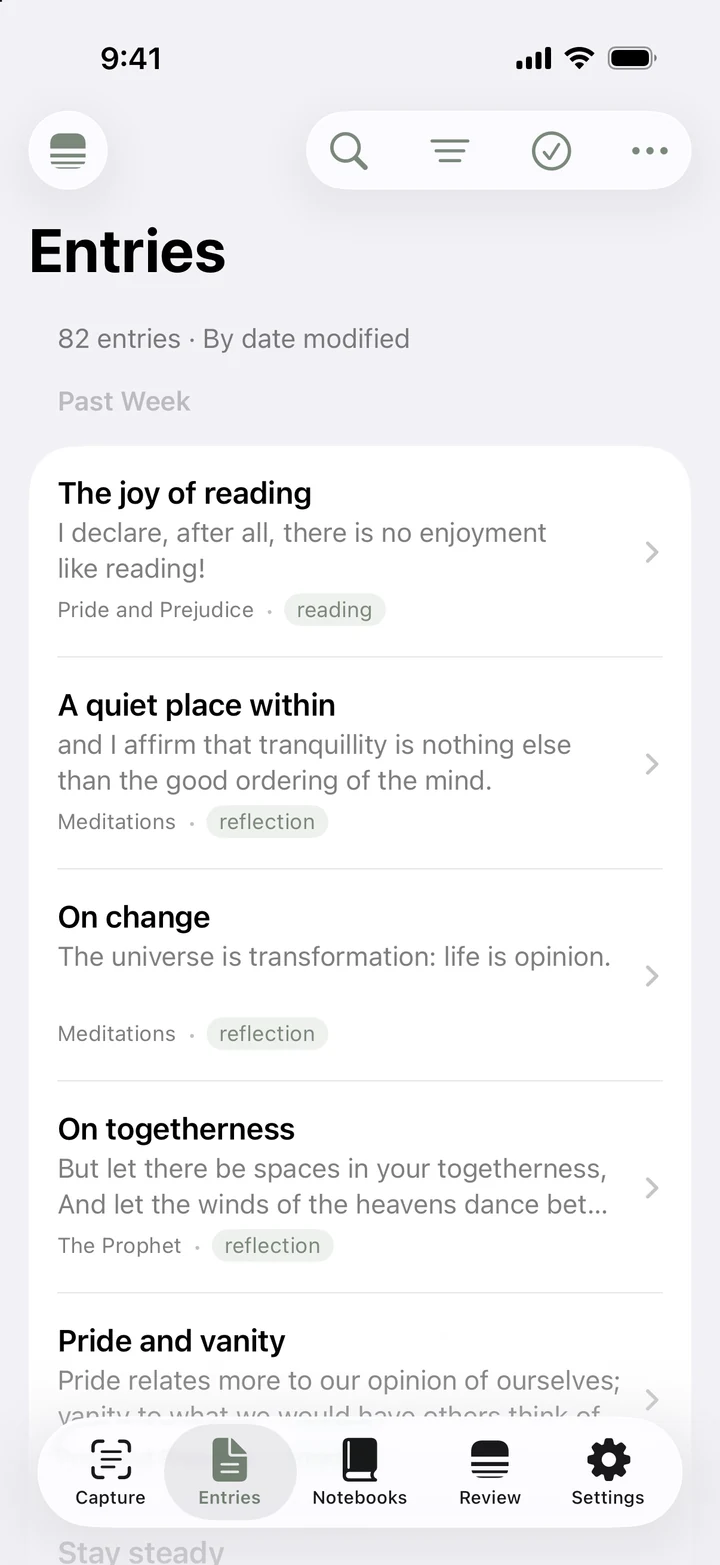
Browse your entries, search for a passage, or follow a tag back to a thought.
 Excerpio
A little space for your reading
A passage in a book. A thought in the margin.
Keep them close, with Excerpio.
Free to use · Available on the App Store.
Capture text from a page or photo. Choose the lines you want to keep, then add what they bring to mind.
The source stays alongside your excerpt, so a few words never lose their context.
Browse your entries, search for a passage, or follow a tag back to a thought.
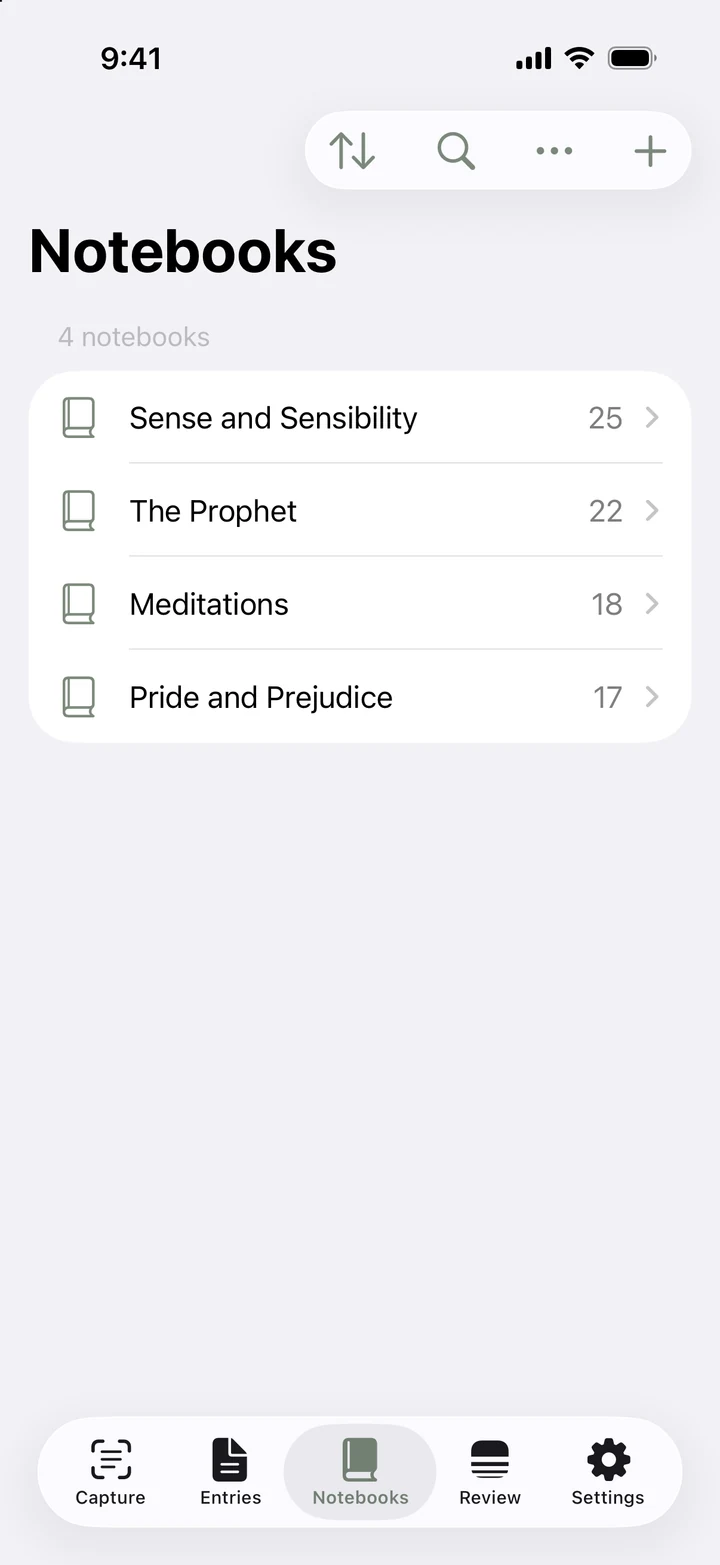
Gather your reading into notebooks. Keep each book’s passages and your perspective together.
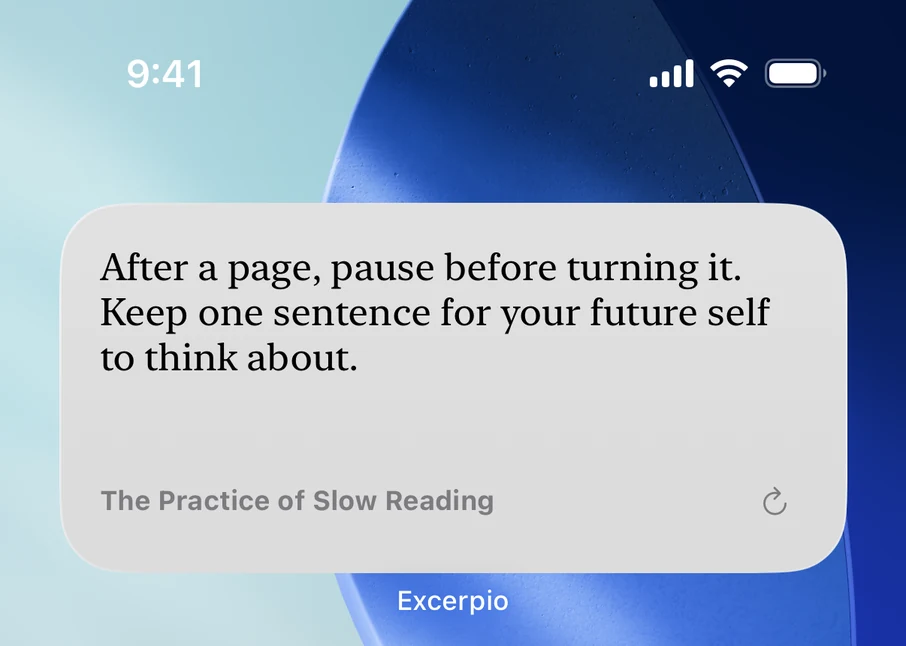
Some words deserve a second reading. Revisit saved excerpts, find one you haven’t returned to, or let shuffle bring something back.
A familiar line. A different day. Something new to take away.
How to use
Capture a page, keep a sentence, add a thought, and come back to it. Follow the demonstrations to get started.
The book passages shown are examples of content you can save. Books are not included with the app.